Top 10 ConvertKit Alternatives for Powerful Email Marketing in 2026
Discover the best ConvertKit alternatives for 2026! Explore top email marketing tools that offer advanced features, greater flexibility, and cost-effective solutions.
 M. Usama
On this page
ConvertKit is no doubt the best email marketing tool for marketers. Still, its higher price point of $25 for content and $50 for pro plans can make it a bit hefty for small businesses.
This is why ConvertKit alternatives are an excellent option for small businesses, as they can provide similar, if not better, features at an affordable price.
In this blog, we will examine some of the top ConvertKit alternatives available to provide you with a list of alternatives to maximize your email marketing campaigns.
ConvertKit Alternatives - What to look for?
Are you looking to move on from ConvertKit and look for a great alternative to it? Let’s check out some points you should consider when considering ConvertKit alternatives.
Features
ConvertKIt is known for its features, such as a friendly user interface, Automation builders, and advanced segmentation and targeting, which make it stand out among other email service providers.
This is why, when looking into ConvertKit alternatives, you should consider options that offer advanced automation, segmentation, and user-friendly features.
Along with these features, you should consider options that provide email templates, landing pages, and subscriber management to get the best, if not similar, performing email marketing service.
Pricing
Since ConvertKit's creator and pro plans range between $25 and $50, you want a ConvertKit alternative priced lower than these plans but still offering the same level of features and support.
One of the main reasons many subscribers shift from ConvertKit and revert to alternatives is the service's pricing. This is why, to fit your budgetary needs, you need a ConvertKit alternative that fits your needs at an affordable price tag.
Support
Since you will start with a whole new system, you need support. Look at resources and training manuals that will help you learn about the service and how to use it properly.
Along with manuals, you must also look for email marketing services that provide around-the-clock customer support. You can find the answers by contacting a professional if you have any questions.
Reliability
The ConvertKit alternative platform should offer exceptional deliverability rates and provide comprehensive tools to sustain and enhance those rates.
This means the platform should ensure that your emails reach subscribers' inboxes consistently and provide features and best practices to maintain high deliverability over time.
Key aspects to consider include advanced email authentication options, real-time monitoring of deliverability metrics, tools for managing and cleaning your email list, and strategies for avoiding spam filters. These features help ensure your email campaigns achieve optimal performance and reach your audience effectively.
ConvertKit Alternatives - Top Choices
Based on our testing and findings, here are the top 3 ConvertKit alternatives from which you can create your next email marketing campaign.
ConvertKit Alternatives - Use Cases
- Mailmunch - Best overall ConvertKit Alternative
- Mailchimp - Best for small businesses
- Brevo - Best for low-budget email marketing
- Mailerlite - The best simple and effective email marketing tool
- SendFox - Best for budget-friendly email marketing
- Constant Contact - Best for nonprofits and charities
- Moosend - Best for advanced automation and personalization
- Get Response - Best for small businesses with advanced needs
- AWeber - Best for startups and small businesses
- Zoho Campaigns - Best for Integrated marketing solutions
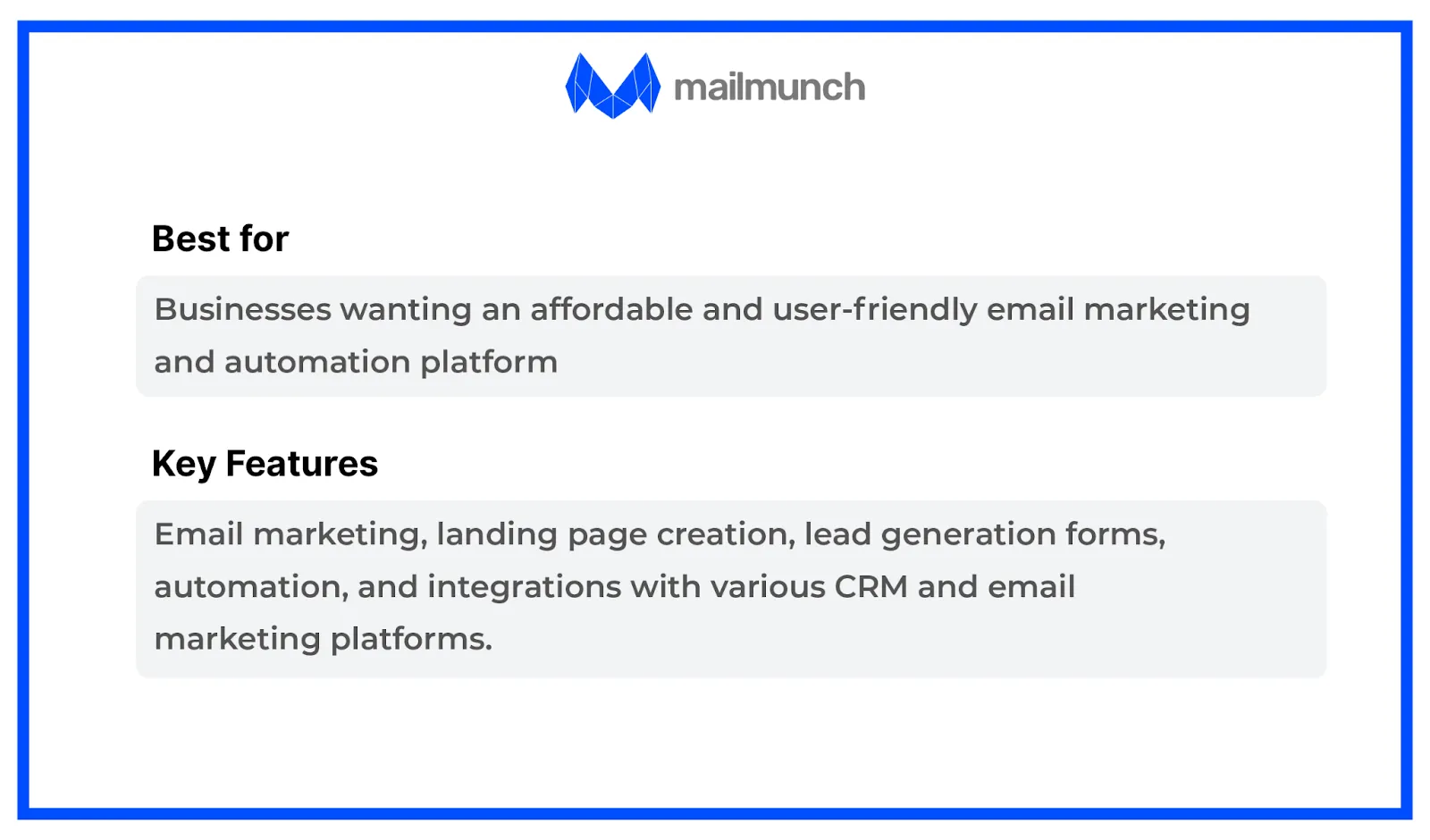
Mailmunch
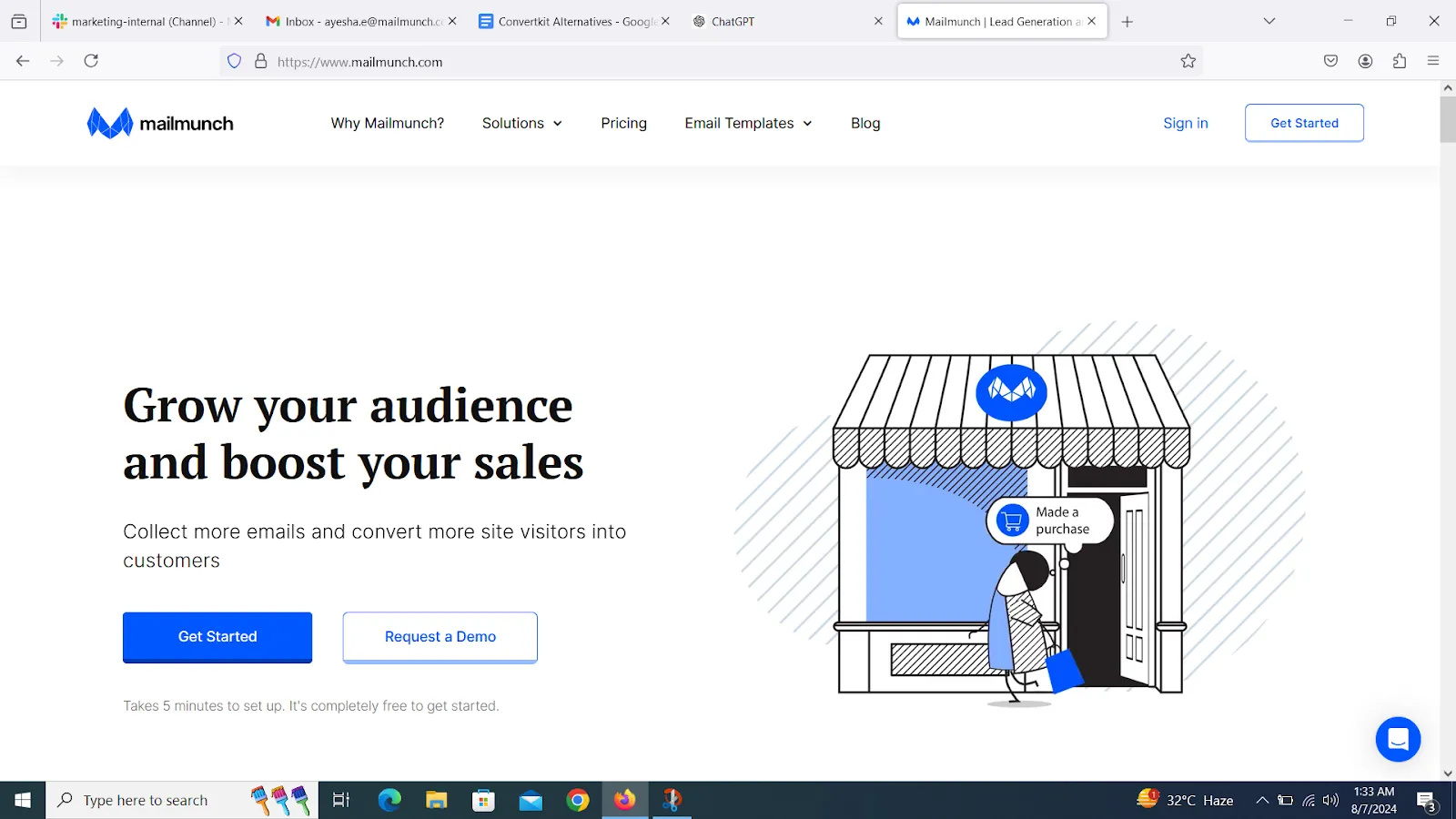
Ratings
G2: 4.5 out of 5 stars.
Capterra: 4.7 out of 5 stars.
Pricing
FreeTrial : Available with basic features and Mailmunch branding; includes up to 1,000 subscribers and limited form types.
Premium Plan: Starts at approximately $19 per month for up to 1,000 subscribers, with additional features and no Mailmunch branding.
Advanced Plan: Custom pricing for larger lists and more extensive feature sets, including priority support and custom branding.
Best For
- Small to Medium-Sized Businesses: Especially those focused on improving lead capture and engagement.
- Businesses Needing to Lead Capture Solutions: Ideal for users who require effective tools for creating forms, pop-ups, and landing pages.
- Marketing Teams Looking for Simple Automation: Suitable for teams that need basic automation capabilities and easy-to-use lead generation tools.
Selling Features
- Form Builder: Create customizable opt-in forms, pop-ups, and landing pages to capture leads efficiently.
- Exit-Intent Technology: Deploy pop-ups that appear when users attempt to leave your site to capture potential leads before they exit.
- A/B Testing: Test different versions of forms and pop-ups to optimize their effectiveness and conversion rates.
- Advanced Targeting: Display forms based on visitor behavior, demographics, and other criteria to increase relevance and engagement.
- Basic Automation: Set up automated workflows such as welcome emails and follow-ups triggered by subscriber actions.
- Behavioral Triggers: Trigger automation based on user actions like email opens or clicks.
- CRM Integration: Sync with various CRM systems to streamline data management and enhance automated workflows.
- Google Analytics Integration: Integrate with Google Analytics for deeper insights into user behavior and lead capture performance.
- Real-Time Analytics: Monitor real-time performance data to assess the effectiveness of your lead generation efforts quickly.
Pros and Cons
Pros
- Intuitive interface and easy-to-use form-building tools.
- Strong emphasis on creating and optimizing lead capture forms and pop-ups.
- Competitive pricing with a generous free plan and low-cost options for small businesses.
- Advanced targeting features for better lead capture and engagement.
- Helps improve form performance through testing different variations.
Cons
- Advanced automation and marketing features are less comprehensive compared to some other platforms.
- Limited options for form and pop-up templates compared to more extensive platforms.
- Limited support options and resources on lower-tier plans.
- Basic reporting and analytics might not be as detailed as those offered by specialized analytics tools.
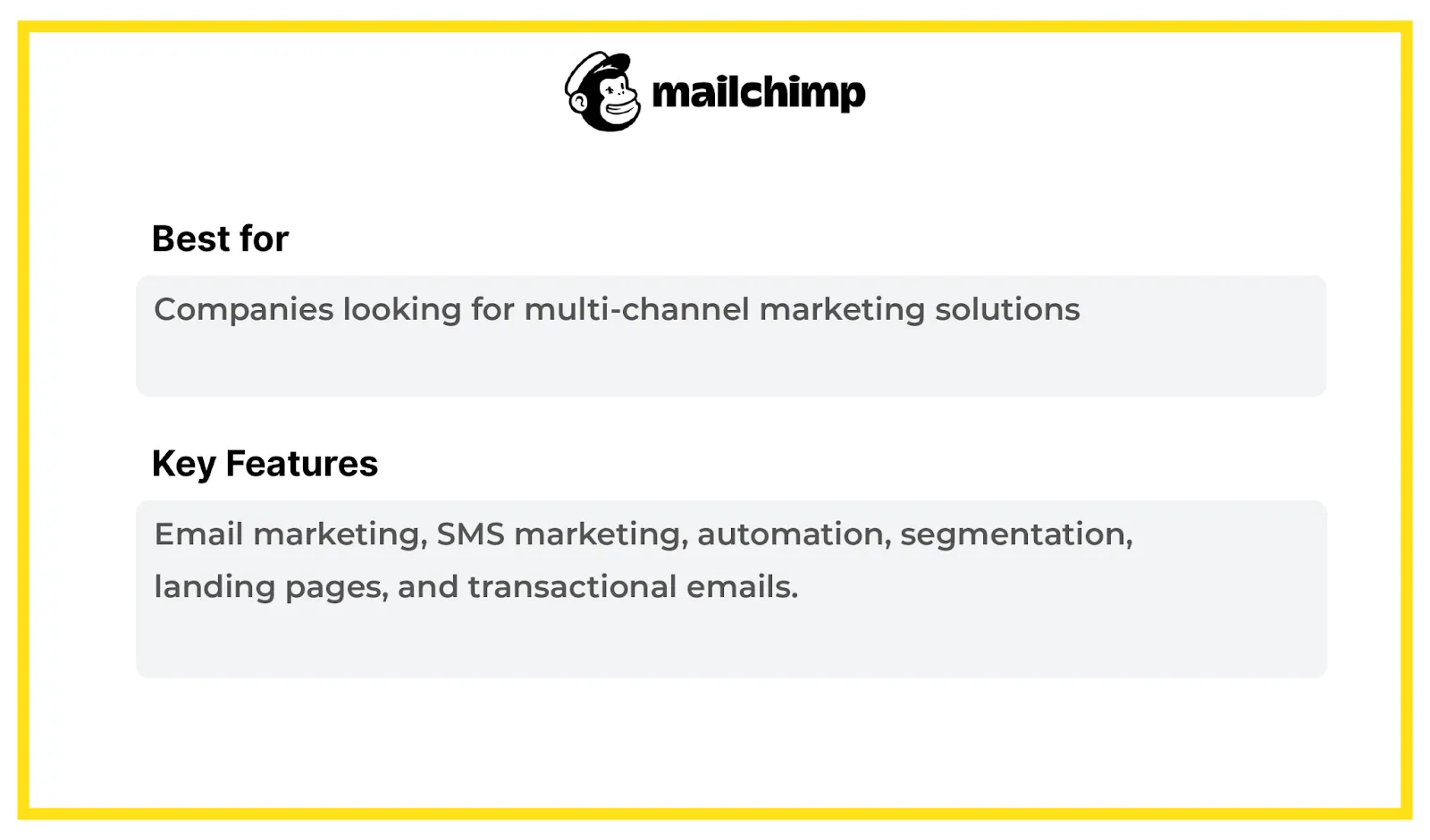
Mailchimp
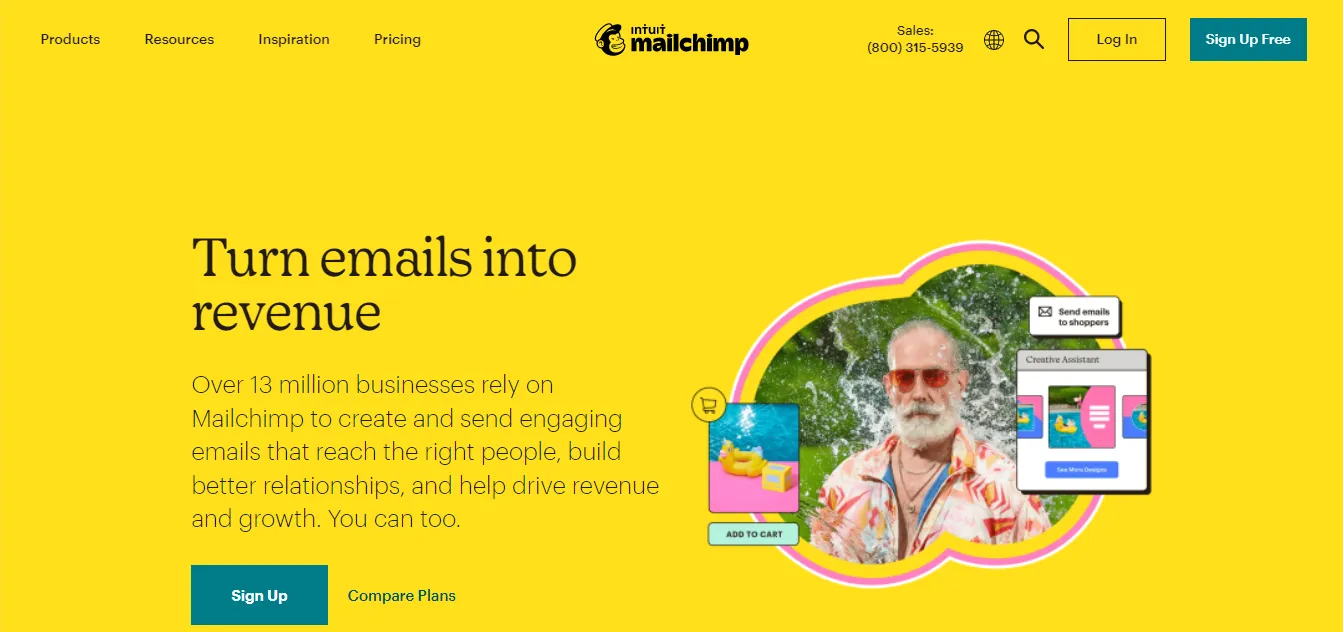
Ratings
G2: 4.2 out of 5 stars.
Capterra: 4.3 out of 5 stars.
Pricing
- Free Plan: Available for up to 500 subscribers and 1,000 emails per month with basic features.
- Essentials Plan: Starts at approximately $13 per month for up to 500 subscribers, with prices increasing based on the number of subscribers and additional features.
- Standard Plan: Starts at around $20 monthly for up to 500 subscribers, with enhanced features including automation and advanced analytics.
- Premium Plan: Starts at about $350 per month for advanced features and larger lists.
Best For
- Small to Large Businesses: Suitable for a wide range of business sizes due to its scalable pricing and features.
- Businesses Looking for a Comprehensive Platform: Offers extensive features including marketing automation, advanced analytics, and integrations.
Selling Features
- Advanced Automation: Includes sophisticated automation workflows and customer journey mapping.
- Extensive Integrations: Connect with numerous third-party apps and platforms.
- Analytics and Reporting: Detailed reporting tools with insights into campaign performance.
- Templates and Design Tools: A wide selection of customizable templates and a user-friendly design editor.
Pros and Cons
Pros
- Comprehensive set of features suitable for various marketing needs.
- Intuitive interface with a relatively easy learning curve.
- Wide range of integrations with other tools and platforms.
- Powerful automation capabilities for personalized marketing.
Cons
- Can become expensive as your list grows and with advanced features.
- Some users may find the interface and feature set overwhelming.
- Occasionally reported concerns about email deliverability.
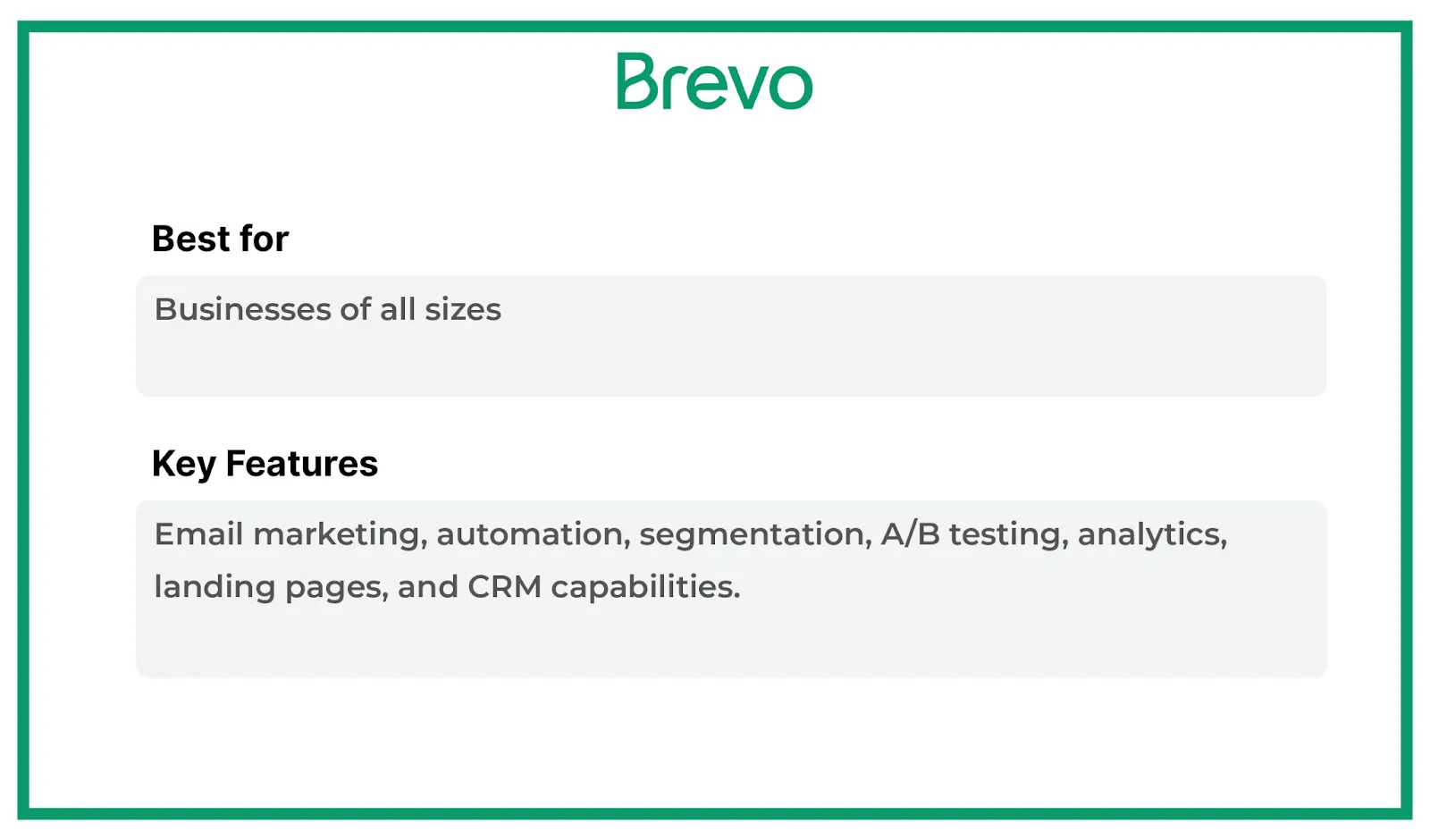
Brevo
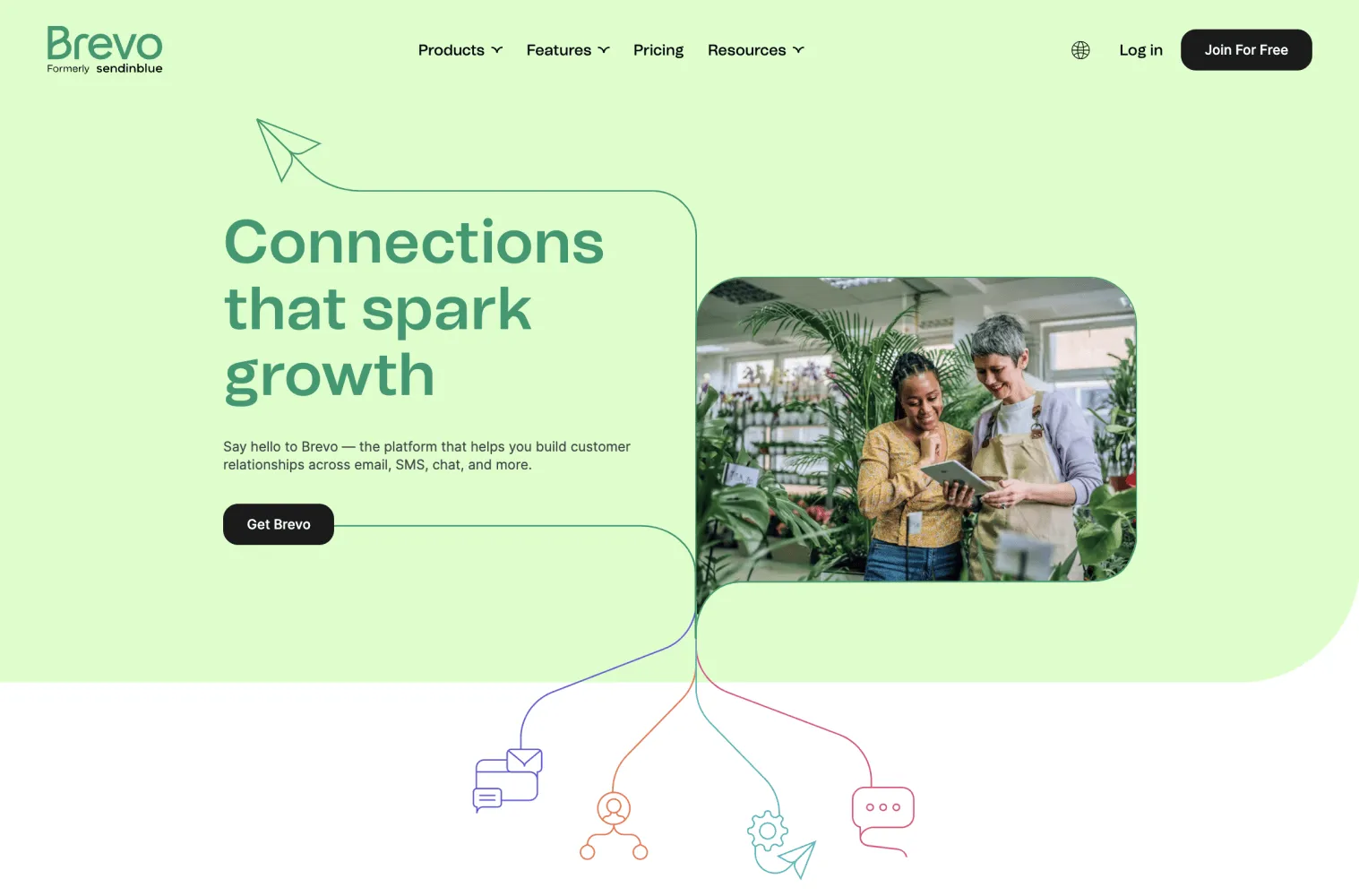
Ratings
G2: 4.2 out of 5 stars.
Capterra: 4.3 out of 5 stars.
Pricing
| Emails per Month | Starter Plan | Business Plan | Enterprise Plan |
|---|
Best For
- Small to Medium-Sized Businesses: Especially those looking for a straightforward, reliable email marketing tool.
- Beginners and Non-Technical Users: Due to its user-friendly interface and easy setup.
Selling Features
- Ease of Use: Intuitive interface and straightforward setup process.
- Automation: Includes features like automated email sequences and subscriber tagging.
- Templates: A variety of email templates and a drag-and-drop editor for easy customization.
- Analytics and Reporting: Comprehensive reporting tools to track campaign performance, including open rates and click-through rates.
- Integration: Connects with various third-party applications, including eCommerce platforms and CRMs.
- Customer Support: Offers live chat, email support, and a comprehensive knowledge base.
Pros and Cons
Pros
- Known for its easy-to-navigate interface and quick setup.
- Generally reasonable email deliverability rates.
- Offers a range of automation features to streamline email marketing.
- Good support options, including live chat and detailed documentation.
- Generous free plan with basic features for small lists.
Cons
- It can become relatively expensive as your subscriber list grows.
- Some advanced marketing features and customizations are only available in higher-tier plans.
- While templates are available, some users find them less modern than competitors.
- Automation capabilities can be less sophisticated compared to some other platforms.
Zoho Campaign
Ratings
G2: 4.2 out of 5 stars.
Capterra: 4.4 out of 5 stars.
Pricing
Zoho Campaigns offers several pricing plans based on features and the size of your contact list. As of the latest information:
- Free Plan: For up to 500 subscribers and 12,000 emails per month.
- Standard Plan: Unlimited emails with ten users for $3/mo.
- Professional Plan: Unlimited emails with twenty users for $4.50/mo.
Best For
- Small to Medium Businesses: Due to its flexible pricing and comprehensive feature set.
- Companies Already Using Zoho Products: It integrates seamlessly with other Zoho applications.
Selling Features
- User-Friendly Interface: Easy-to-navigate design that simplifies email campaign creation and management.
- Automation: Workflow automation for personalized customer journeys.
- Segmentation: Advanced segmentation and targeting for more effective campaigns.
- Integration: It works well with other Zoho products and third-party applications (such as Google Workspace, MailChimp, etc.).
- Templates: A range of customizable email templates and a drag-and-drop editor.
- Analytics and Reporting: Detailed analytics and reporting on campaign performance, including open rates, click-through rates, and more.
Pros and Cons
Pros
- Competitive pricing, especially for small businesses and startups.
- Intuitive interface that reduces the learning curve.
- Seamless integration with other Zoho applications and various third-party tools.
- Powerful automation tools to streamline marketing processes.
- Generally, there are good support options, including chat and email support.
Cons
- It can be confusing with various plans and add-ons.
- Some advanced features are only available in higher-priced plans.
- While user-friendly, new users may still face a learning curve due to the range of features.
- Occasionally, users report issues with deliverability and campaign performance.
ConvertKit Alternatives - How to select them?
When searching for alternatives to ConvertKit, evaluating platforms based on several critical criteria is essential to ensure they effectively meet your needs. Begin by assessing their features and ease of use and look for tools that offer similar functionalities, such as email automation, landing pages, and subscriber management.
Here are a few factors we considered when looking for ConvertKit alternatives.
ConvertKit Similarities
When comparing alternatives to ConvertKit, we looked at platforms that share core functionalities with ConvertKit to ensure a smooth transition and continuity in your email marketing efforts. Look for similar features, such as visual automation builders, allowing you to create and manage complex workflows easily.
Also, we considered platforms that offer tagging and segmentation to help you effectively target specific audience groups. Similarities in form and landing page builders are essential for capturing leads, while broadcast and sequence capabilities ensure you can engage your audience over time.
Free plan availability
Many email marketing platforms offer free plans, which can be valuable for those just starting or looking to test a new service without financial commitment. When evaluating ConvertKit alternatives, we checked if they provide a free plan or trial period.
This allows you to experiment with the platform’s capabilities and assess its fit for your needs before committing to a paid plan. Additionally, consider the limitations of the free plan, such as the number of subscribers or emails sent per month, to ensure it aligns with your current and future requirements.
Value for Money
We compared the cost of different plans and the features included at each level, such as the number of subscribers, automation options, and advanced reporting tools.
Evaluate the platform’s pricing structure and how it aligns with your budget and balances cost and functionality. Additionally, consider any extra fees that might arise, such as additional integrations or premium features.
Final Thoughts
Which of the ConvertKit alternatives is the right choice for you? Well, it depends on your requirements and business needs.
Since ConvertKit pricing can make it unapproachable for most small businesses, our list of ConvertKit alternatives can serve as the perfect stepping stone to help you find the right fit for you.
Based on their pricing and similar features, we recommend Mailmunch, Mailchimp, and Brevo as the top three alternatives.
Mailmunch offers the perfect automation and lead generation tool kit at an affordable price. With Mailmunch, you can access an intuitive drag-and-drop builder, making it easy to use for smaller businesses and software newbies.
FAQs
What is better than ConvertKit?
Here are a few great ConvertKit alternatives that are better, if not the best, for the service.
- Mailmunch: Email Marketing, Lead Generation and Automation
- ActiveCampaign: Advanced automation and CRM features.
- MailerLite: User-friendly and cost-effective.
- GetResponse: All-in-one solution with landing pages and webinars.
- AWeber: Simple and effective email marketing tools.
- Sendinblue: Multi-channel marketing with email and SMS.
Who should use ConvertKit?
If you are one of the following, you will enjoy using ConvertKit for your email marketing.
- Content Creators and Bloggers: Easy automation and audience engagement.
- Online Entrepreneurs: Ideal for managing courses and memberships.
- Small Business Owners: Effective for content marketing.
- Freelancers: Useful for newsletters and client updates.
What is the best emailing service for bloggers?
Some of the best email marketing services that bloggers can use for their campaigns and newsletters include.
- ConvertKit: Best for automation and content-driven strategies.
- Mailchimp: Offers a free plan and user-friendly design.
- MailerLite: Affordable and easy to use.
- AWeber: Reliable with excellent support.
What is the delivery rate for ConvertKit?
ConvertKit boasts a strong delivery rate, generally reported to be around 98%. This high deliverability rate means that most emails sent through ConvertKit are successfully delivered to subscribers’ inboxes rather than ending up in spam folders.